Best Gaming Mouse DPI Settings for FPS: How to Find Your Perfect Sensitivity
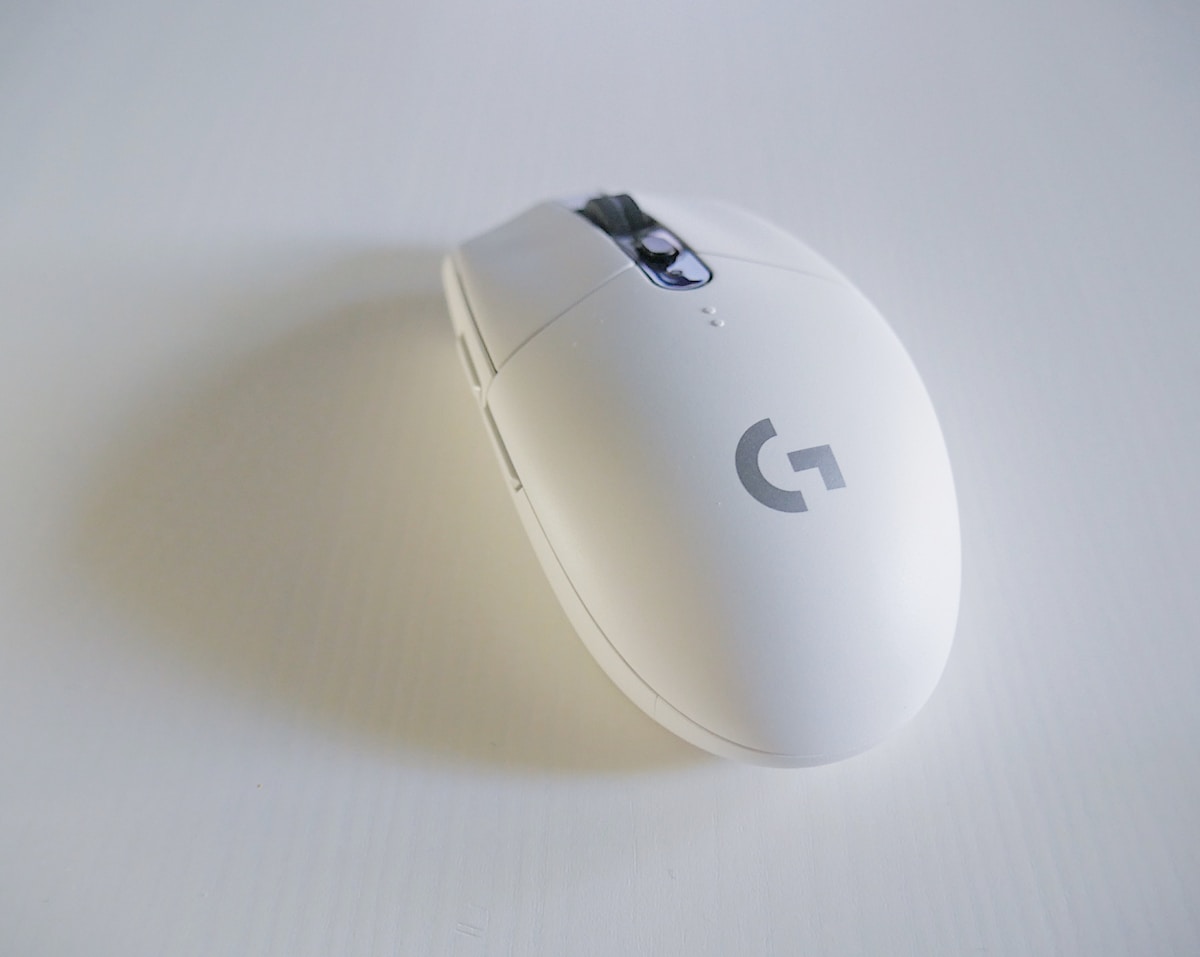
- Primary Signal: Best Gaming Mouse DPI Settings for FPS: How to Find Your Perfect Sensitivity
- Overview: There is no magic DPI number, but there is a right range and a right way to find your setting. Here is how DPI, sensitivity, and mousepad size work together....
- Verification: Analyzed and compiled by GameVault 668 editorial monitoring desk.
DPI, or dots per inch, is the most misunderstood setting in competitive shooters. It controls how far your crosshair moves for a given physical movement of your mouse, and combined with your in-game sensitivity it determines your effective sensitivity, which is what actually matters. Chasing a magic DPI number is pointless; finding the effective sensitivity that suits your aim style is everything.
Most professional FPS players use a DPI between 400 and 1600, with 800 being the most common, paired with an in-game sensitivity that gives a comfortable full turn. The reason for this range is precision: lower DPI values give the mouse sensor more physical room to register small movements, which makes micro-adjustments smoother. Extremely high DPI values, like 3200 or above, often introduce sensor smoothing and jitter that hurt precision rather than helping it.
The practical way to find your setting is to start at 800 DPI and adjust your in-game sensitivity until a full 180-degree turn takes one natural swipe across your mousepad without lifting. From there, play for a week before changing anything, because your muscle memory needs time to adapt, and daily changes destroy progress. If you consistently overshoot targets, lower the sensitivity slightly; if you run out of mousepad space on every turn, raise it slightly.
Your mousepad size matters as much as the number. Low-sensitivity players need a large pad, often 450mm wide or more, because their arm does most of the aiming work. High-sensitivity players can manage with a smaller pad but rely more on wrist movement, which can cause fatigue and repetitive strain over long sessions. Choose a sensitivity that lets you aim with your arm for large movements and your wrist for small corrections, which is the healthiest and most stable combination.
Polling rate is the other setting worth checking. A mouse polling at 1000Hz reports its position a thousand times per second, which is the standard for competitive play, while older or office mice may poll at 125Hz and feel noticeably less responsive. Newer mice offer even higher rates, but the benefit beyond 1000Hz is small for most players and comes with higher CPU usage, so treat it as a luxury rather than a necessity.
Two mistakes ruin more aim than any setting: copying a professional player's sensitivity without their mousepad, grip, and thousands of hours of practice, and changing settings after every bad match. Your sensitivity should be boring and consistent, not something you tinker with daily. Write your settings down, back them up, and judge them over weeks of matches, not single games, because aim fluctuates with sleep, mood, and warm-up as much as with any number.
Finally, remember that DPI is only one part of aiming. Crosshair placement, positioning, and game sense decide far more rounds than a perfect sensitivity ever will. Get your DPI into a sensible range, lock it in, and spend your practice time on the game itself. That discipline is what separates players who keep improving from players who keep shopping for settings.
Grip style changes which sensitivity feels right, and it is worth identifying yours. Palm grip players rest their whole hand on the mouse and tend to prefer lower sensitivities with arm aiming, claw grip players arch their fingers and suit medium sensitivities, and fingertip grip players control the mouse with their fingertips and often prefer higher sensitivities. There is no best grip, only the one that feels natural for your hand size and mouse shape, so test grips over several sessions rather than forcing a style that a professional player uses.
Stick with your chosen setting for at least two full weeks before judging it, because muscle memory needs time to settle.
📖 Continue Reading the Full Story
Continue reading this article on GameVault 668.
⚡ Access Full Content NowMore from GameVault 668


 ⚡ CyberTech 568
Best Free AI Voice Changer for Gaming in 2026
A good voice changer adds fun to game night without lag or robotic audio. Compare the best free options for Di...
 🎰 WinBar VIP
Die besten Codes ohne Einzahlung: Oktober 2026
Schauen Sie sich die besten Online-Casino-Boni ohne Einzahlung für Oktober 2026 an....
 ₿ Lucky Satoshi
Why Is My Bitcoin Casino Deposit Pending or Unconfirmed?
A pending bitcoin casino deposit is usually waiting on blockchain confirmations or the casino's payment proces...
 🔥 ViralBuzz 168
Age of Domain Checker: Find How Old Any Domain Is
Use a free age of domain checker to find any domain's registration date, years active, and expiry. Essential b...