Budget Gaming Setup 2026 DDR4: Smart Parts for Smooth 1080p Gaming
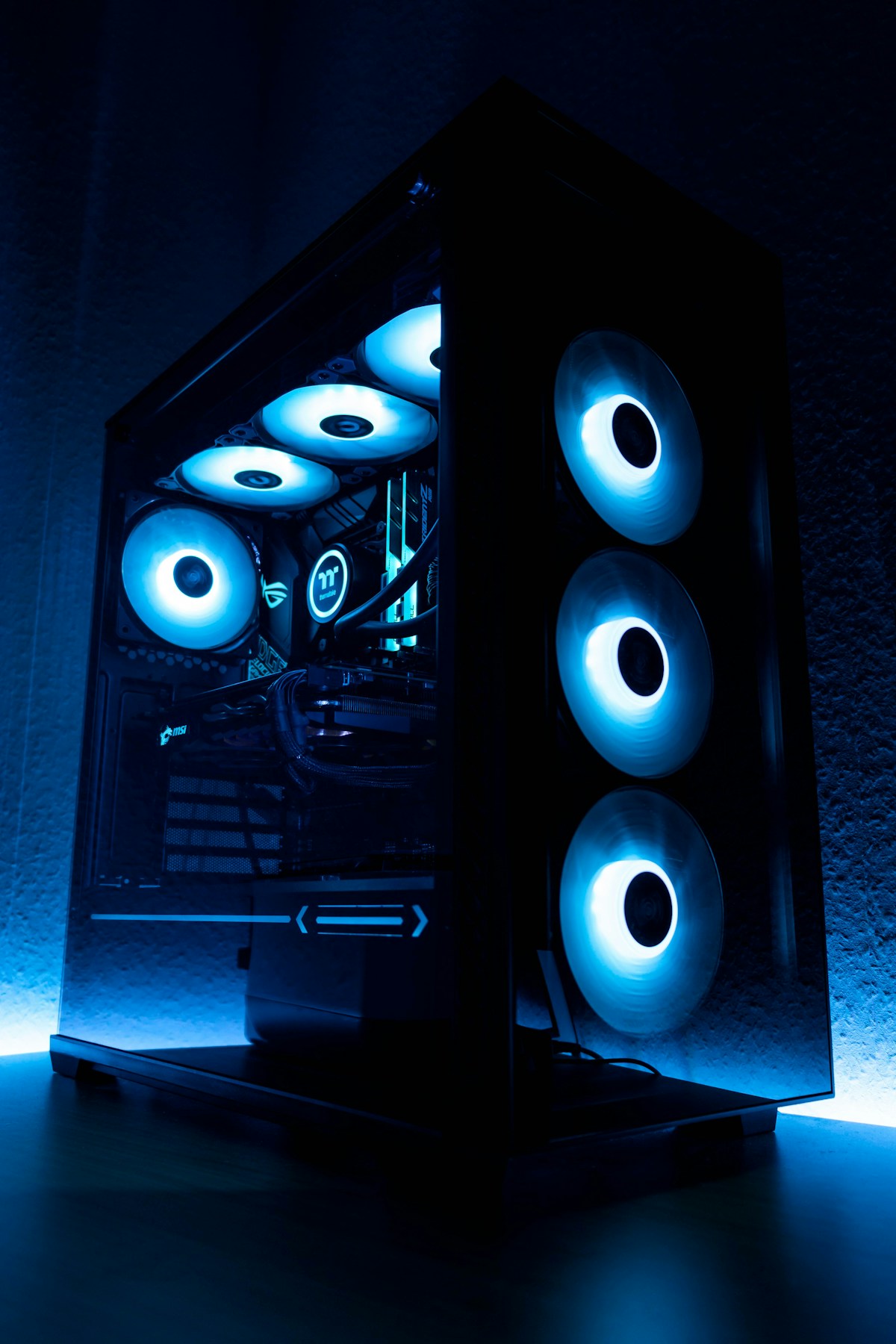
- Primary Signal: Budget Gaming Setup 2026 DDR4: Smart Parts for Smooth 1080p Gaming
- Overview: DDR4 builds still offer the best value for 1080p gaming in 2026. Here is where to spend, where to save, and how to pick parts that last....
- Verification: Analyzed and compiled by GameVault 668 editorial monitoring desk.
Building a budget gaming setup in 2026 does not mean settling for the newest parts. DDR4 memory, previous-generation processors, and mid-range graphics cards from a few years ago now deliver excellent 1080p performance at a fraction of their launch prices, and a smart DDR4 build can handle modern games, streaming, and everyday work without breaking the bank.
Start with the processor and motherboard together. A six-core processor from the last few generations, paired with a solid B-series motherboard, gives you plenty of power for gaming and multitasking. Avoid the cheapest motherboards with weak power delivery if you plan to upgrade later, but do not overspend on features you will never use, like extreme overclocking support or multiple high-speed storage slots you will leave empty.
For memory, 16GB of DDR4 is still the sweet spot for gaming, and 32GB is worth it if you stream, edit video, or keep dozens of browser tabs open. Speed matters less than capacity once you pass a reasonable baseline, so prioritise a reliable kit from a known brand over chasing the fastest timings. Two sticks in dual channel always beat a single stick of the same total size, because dual channel roughly doubles memory bandwidth.
Storage is the easiest upgrade to get right: a 500GB or 1TB NVMe SSD for your operating system and main games, plus a cheaper hard drive if you need bulk storage for a large library. Games installed on an SSD load dramatically faster and stutter less in open-world titles, and SSD prices have fallen far enough that there is little reason to boot from a hard drive in 2026.
The graphics card is where most of the budget should go. Look at used or previous-generation cards with at least 8GB of video memory, which is increasingly the minimum for modern titles at high settings. Check benchmarks for the specific games you play rather than trusting marketing, and remember that a card that runs your favourite games at 60 frames per second today will still be enjoyable in two years, even if newer titles need medium settings.
Save money on the case, fans, and RGB lighting, but never cheap out on the power supply. A reliable power supply from a reputable brand protects every other component, and a bad one can damage your whole build. A 550 to 650 watt unit with a solid efficiency rating is enough for most DDR4 budget builds, and it leaves headroom for a future graphics card upgrade. Spend the savings on a decent monitor and a comfortable mouse and keyboard, because those are the parts you actually touch every day.
One final piece of advice: build with an upgrade path in mind. Choose a motherboard and power supply that can handle a stronger graphics card later, so your budget build grows with you instead of needing a full rebuild. The best budget PCs are not the cheapest ones, but the ones where every part earns its place and the next upgrade is obvious, affordable, and easy to install when you are ready.
Cooling is another area where budget builders make avoidable mistakes. A case with decent airflow and two or three fans keeps your components from throttling under load, which matters more for gaming performance than an expensive CPU cooler. Stock coolers are fine for most budget processors, but a case with a solid front panel and no intake fans will cook your graphics card during long sessions. Check reviews for thermal performance, not just looks, and remember that a cool PC is a fast PC, while a hot PC quietly slows itself down to survive.
📖 Continue Reading the Full Story
Continue reading this article on GameVault 668.
⚡ Access Full Content NowMore from GameVault 668


 ⚡ CyberTech 568
Best Free AI Voice Changer for Gaming in 2026
A good voice changer adds fun to game night without lag or robotic audio. Compare the best free options for Di...
🎰 WinBar VIP
The Complete 2026 Strategic Blueprint: Inside The Velocity Behind Crypto Casino Alpha
Comprehensive 2026 research dossier and telemetry report on The Complete 2026 Strategic Blueprint: Inside The ...
 ₿ Lucky Satoshi
Why Is My Bitcoin Casino Deposit Pending or Unconfirmed?
A pending bitcoin casino deposit is usually waiting on blockchain confirmations or the casino's payment proces...
 🏆 WorldCup2026 Cities
World Cup 2026 Stadium Map Explained: Distances, Clusters and the Smart Way Fans Travelled
Sixteen stadiums across three countries meant huge distances — the fans who travelled by regional cluster enjo...