27 vs 32 Inch Gaming Monitors: Which Size Is Right for You?
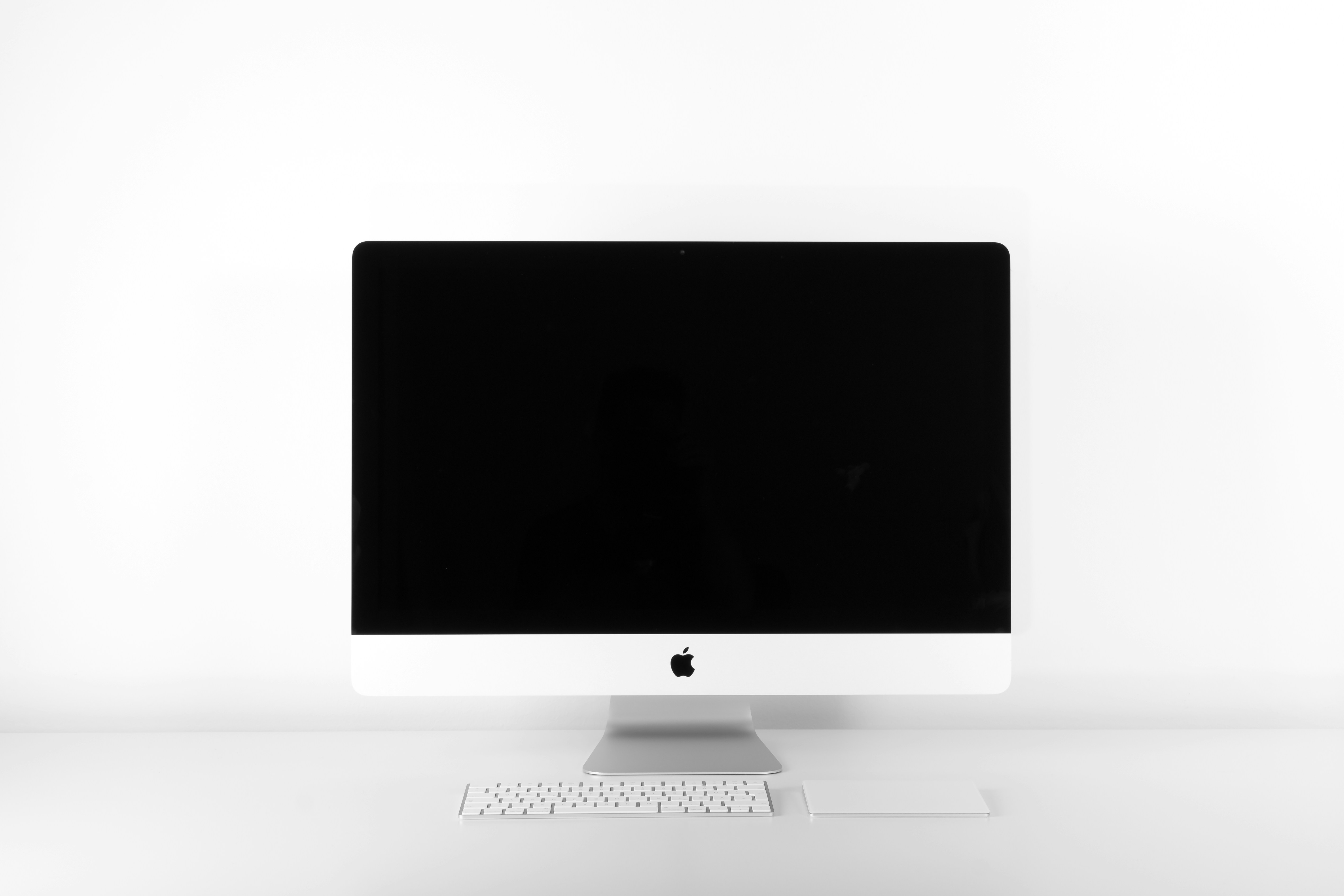
- Primary Signal: 27 vs 32 Inch Gaming Monitors: Which Size Is Right for You?
- Overview: 27 inches is the competitive sweet spot, 32 inches wins on immersion, but desk depth and GPU power decide. This practical comparison helps you pick the right gaming monitor size....
- Verification: Analyzed and compiled by GameVault 668 editorial monitoring desk.
When buying a gaming monitor, the most common dilemma is size: is a 27-inch display the sweet spot, or should you go big with a 32-inch screen? Both sizes are popular for good reasons, and the right answer depends on your desk, your games, and your eyes. Here is a practical comparison that cuts through the marketing and helps you choose with confidence.
The 27-inch monitor is the default choice for most gamers, and for good reason. At 1440p resolution, a 27-inch screen delivers sharp text and detailed game visuals without requiring you to move your head to see the edges. It fits comfortably on a standard desk, pairs well with a normal viewing distance of about two feet, and is available at every price point, from budget 165Hz models to premium 240Hz OLED displays. For competitive shooters and fast-paced games, 27 inches is widely considered ideal, because the entire screen sits within your field of view, so you notice movement at the edges without turning your head. If you are unsure, 27 inches is the choice least likely to disappoint.
A 32-inch monitor offers a more immersive experience, especially for story-driven games, racing sims, and open-world adventures, where the larger image pulls you into the world. But size comes with conditions. At 1080p, a 32-inch screen looks noticeably pixelated, so 1440p is the minimum and 4K is ideal, which means you need a stronger graphics card to drive it well. You also need a deeper desk: sitting two feet from a 32-inch screen forces constant head movement, which gets tiring in long sessions and hurts competitive performance. The ideal viewing distance for 32 inches is closer to three feet, which many desks cannot provide. If your desk is deep and your GPU can handle 1440p or 4K at high refresh rates, the immersion is genuinely impressive.
Ultrawide monitors, typically 34 inches with a 21:9 aspect ratio, are a third option worth considering. They offer the immersion of a large screen plus extra horizontal space for racing games, flight sims, and multitasking, without the height of a 32-inch 16:9 display. The trade-offs are compatibility: some competitive games restrict ultrawide aspect ratios, and not every game supports the format well. Ultrawides also cost more than comparable 27-inch models. For most gamers, the decision comes down to this: choose 27 inches for competitive play and smaller desks, 32 inches for immersion and larger desks, and ultrawide if you play sims or want one screen that doubles as a productivity workstation.
Size is not the only decision. Panel type matters: IPS panels offer the best color and viewing angles, VA panels offer better contrast for dark games, and OLED offers the best of both at a premium price. Refresh rate matters too: 144Hz or 165Hz is the sweet spot for most players, while 240Hz benefits competitive players with high-end GPUs. Response time, HDR support, and adjustable stands all affect daily comfort more than marketing suggests. Whichever size you choose, measure your desk first, check your GPU's performance at your target resolution, and buy from a retailer with a good return policy, because the only way to know if a size feels right is to sit in front of it.
Whatever size you choose, your desk setup determines whether it feels right. Position the monitor so your eyes are level with the top third of the screen, and keep it at arm's length for 27 inches or slightly farther for 32 inches. A monitor arm, rather than the included stand, frees desk space and makes height adjustment easy. Good lighting matters too: a bias light behind the monitor reduces eye strain during long sessions, and avoiding glare from windows keeps colors accurate. These small setup details often matter more than the size choice itself, and they cost far less than a new display.
📖 Continue Reading the Full Story
Continue reading this article on GameVault 668.
⚡ Access Full Content NowMore from GameVault 668


 🎰 WinBar VIP
The Best No Deposit Codes: October 2026
Check out the best no deposit online casino bonuses for October 2026....
 ₿ Lucky Satoshi
Why Is My Bitcoin Casino Deposit Pending or Unconfirmed?
A pending bitcoin casino deposit is usually waiting on blockchain confirmations or the casino's payment proces...
 📊 Try2Rich Capital
Startup Funding News Today, September 3, 2026: Backbone, Plenti, Rightcharge Outlier Space, Zeit AI, & More
Venture capital is shifting toward specialized AI, physical infrastructure, and software embedded in complex o...