Best Controller Settings for Warzone in 2026
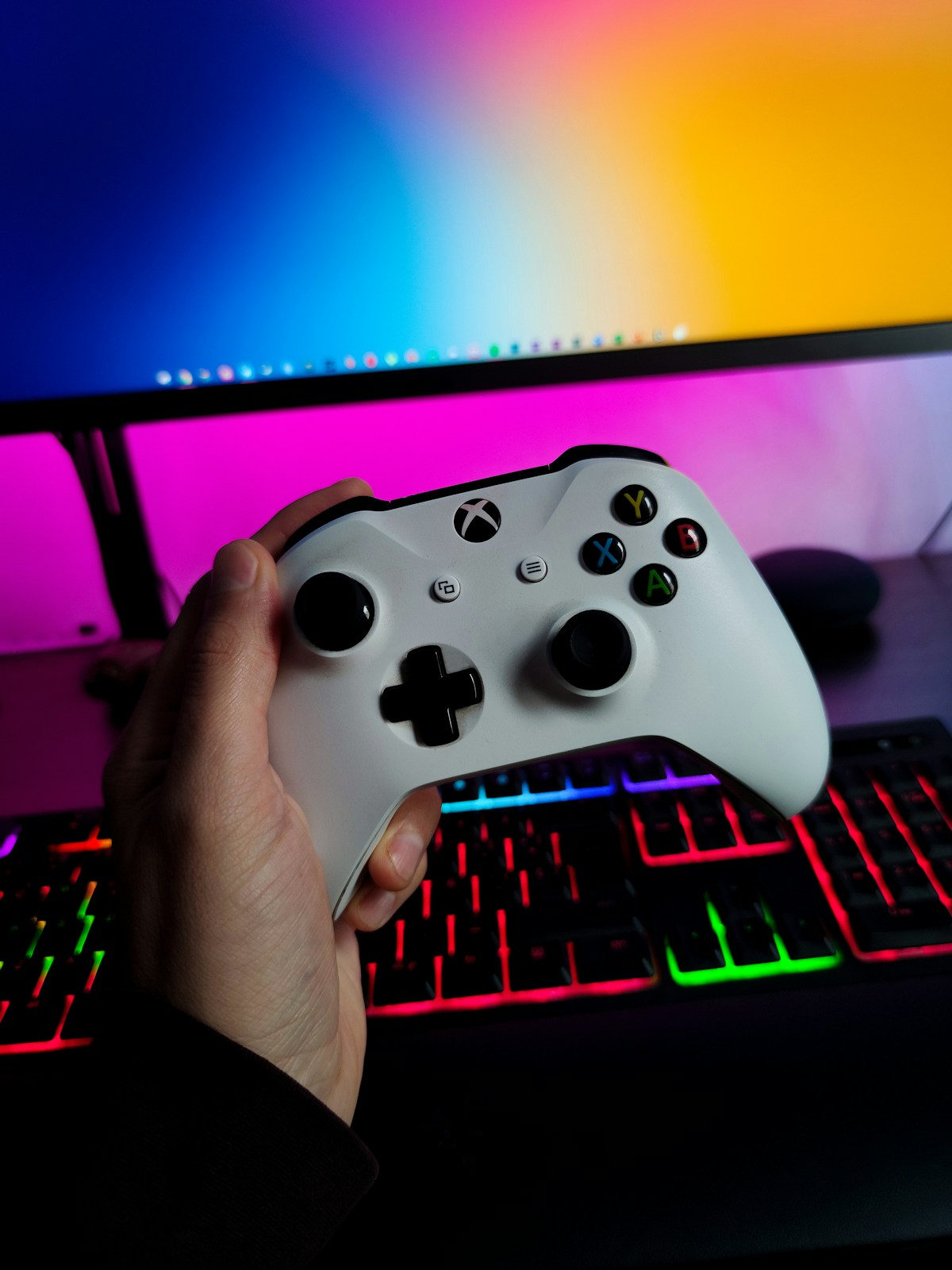
- Primary Signal: Best Controller Settings for Warzone in 2026
- Overview: The right Warzone controller settings can transform your aim. Here is the best sensitivity, deadzone, aim assist, and button layout setup for 2026, and how to tune it to your style...
- Verification: Analyzed and compiled by GameVault 668 editorial monitoring desk.
Warzone on a controller is a different game from Warzone on mouse and keyboard, and the settings matter more than most players think. The default settings are built for casual players, not for winning gunfights, and a few changes to sensitivity, deadzones, and aim assist can make your aim feel dramatically more consistent. This guide gives you a strong starting setup and explains how to tune it to your own hands.
Start with a horizontal and vertical sensitivity between 6 and 8, which is the range most competitive controller players use. Lower than 6 feels sluggish when you need to turn quickly, and higher than 8 makes small adjustments harder than they need to be. Set your ADS sensitivity multiplier to around 0.85, so your aim slows down slightly when you aim down sights, which is exactly when precision matters most.
For aim assist, use Black Ops or the precision-focused preset if your version offers it, because these settings slow your aim more gently when you pass over a target instead of snapping hard. Aim assist is not cheating, it is the game's way of compensating for the imprecision of a stick, and the right setting makes your aim feel sticky without feeling like the game is playing for you. Test it in a private match before taking it into ranked.
Deadzone is the setting most players ignore, and it is often the one causing their problems. Your deadzone is the amount you must move the stick before the game registers input. If it is too high, your aim feels delayed and unresponsive. If it is too low, your crosshair drifts on its own because of stick wear. Start at 0.05 and lower it until your crosshair just begins to drift, then raise it slightly. That is your stick's true deadzone.
Set your stick response curve to Dynamic, which is the standard for most competitive players because it gives you fast turns at full tilt and fine control at small movements. Turn off controller vibration if you play seriously, because vibration is a distraction during long fights and it drains your battery. These are small changes, but they remove noise from your aim.
Use the Tactical button layout, which moves crouch and slide to the right stick click so you never have to take your thumb off the aim stick to slide or drop-shot. This matters more than it sounds: in close fights, the player who can shoot, slide, and aim at the same time wins. Give yourself three or four days to adjust, because your muscle memory will fight the new layout at first.
Finally, practice with purpose. Spend ten minutes in the firing range working on tracking moving targets and snapping between two targets, then play a few games focusing only on one thing, such as your positioning or your slide timing. Settings are only the starting point. The players who improve fastest are the ones who change one setting, test it properly, and then leave it alone.
One setting players forget is the audio mix. Warzone lets you boost footsteps and quieten explosions, and the right audio preset can matter as much as any aim setting, because hearing an enemy first lets you pre-aim before they see you. Use a headset, turn on the boosted audio preset, and keep your game volume high enough to hear detail without drowning in gunfire. Pair that with your tuned controller settings and you will win fights you used to lose, not because your aim improved overnight, but because you knew the fight was coming.
Start with sensitivity 6 to 8, ADS at 0.85, a tuned deadzone, and the Tactical layout, then adjust one thing at a time. The best Warzone settings are the ones that feel invisible, because your hands already know what to do.
📖 Continue Reading the Full Story
Continue reading this article on GameVault 668.
⚡ Access Full Content NowMore from GameVault 668
 🏆 WorldCup2026 Cities
World Cup 2026 Host Cities With the Best Public Transport for Fans Ranked
Some host cities make matchday travel easy, others demand a car. This ranking compares public transport across...
 🎰 WinBar VIP
The Best No Deposit Codes: October 2026
Check out the best no deposit online casino bonuses for October 2026....
 💎 LuxeLiving 768
Crypto APY Calculator UK: Staking Rewards Guide for 2026
UK crypto investors: calculate staking rewards with APY vs APR explained, tax notes for HMRC, and the best sta...
 🏆 2026 World Cup Central
World Cup 2026 Weather Guide by Host City for June and July
June and July weather varies hugely across World Cup host cities, from Vancouver rain to Texas heat. This city...