How to Build a Gaming PC Under $800 in 2026
- Primary Signal: How to Build a Gaming PC Under $800 in 2026
- Overview: Build a capable 1080p gaming PC for under $800 in 2026: parts priorities, where to save, and mistakes to avoid....
- Verification: Analyzed and compiled by GameVault 668 editorial monitoring desk.
Building a gaming PC for under $800 in 2026 is entirely realistic if you spend in the right order and resist the urge to pay for looks over performance. At this budget you are aiming for smooth 1080p gaming at high settings, not 4K ultra, and that is a target modern budget parts hit comfortably. The secret is prioritising the graphics card and the CPU, then saving ruthlessly everywhere else.
Your graphics card should take the largest share of the budget, roughly forty percent, because it determines your frame rate more than any other component. Next comes the CPU: a modern six-core processor is plenty for gaming at this level, and spending more here rarely improves game performance as much as a better graphics card would.
After those two, allocate money to 16 GB of fast RAM, a 1 TB SSD, and a reliable power supply. Everything else, including the case, cooling, and motherboard, should be chosen for function and compatibility rather than appearance. RGB lighting adds nothing to frame rates.
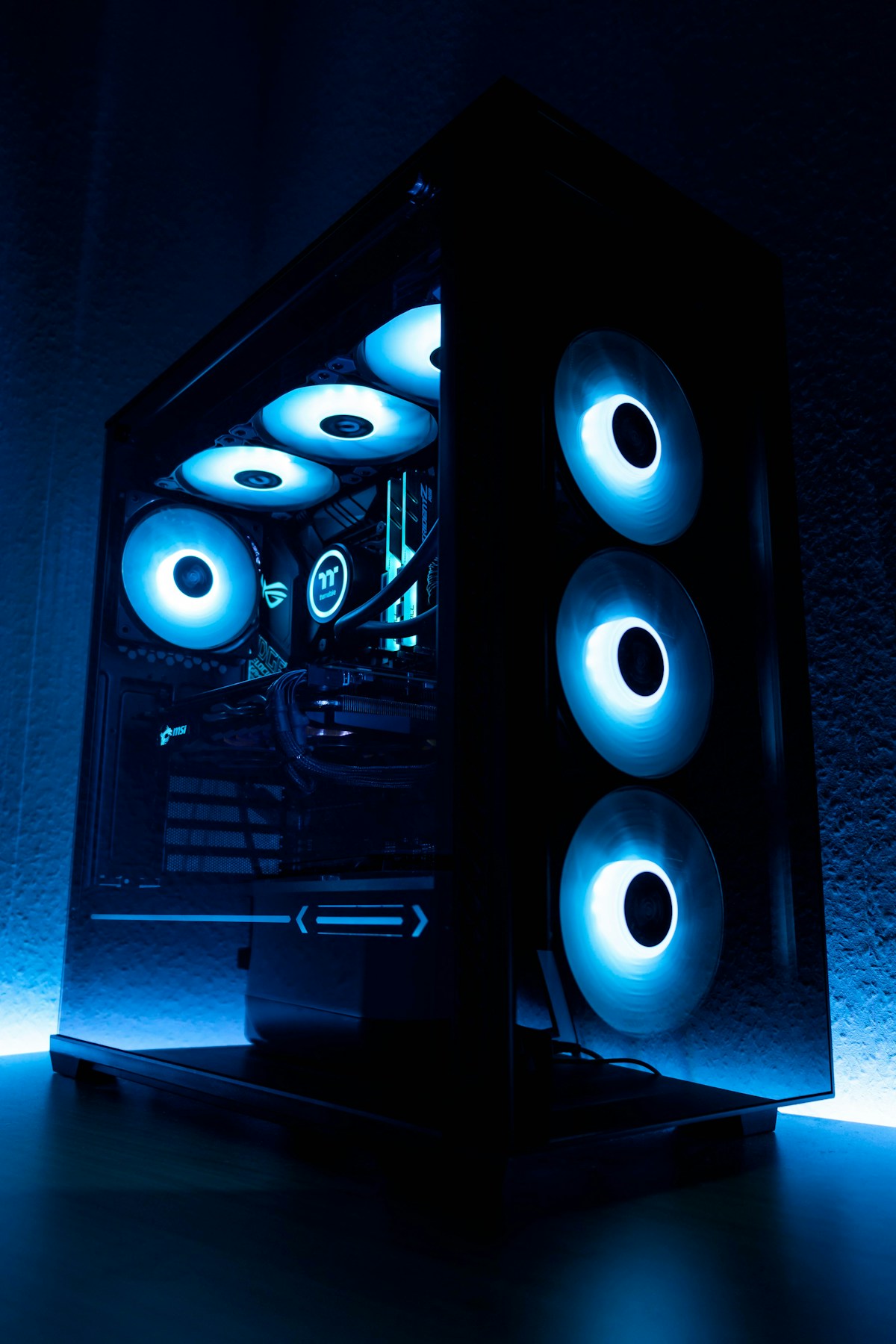
The case is the easiest place to save: a simple case with decent airflow beats an expensive glass showcase that chokes your components. Stock CPU coolers are adequate for budget processors, and a basic motherboard with the features you need is smarter than a premium board whose extras you will never use.
Buy your SSD at 1 TB rather than 500 GB, because modern games are huge and a cramped drive forces constant uninstalls. Avoid the cheapest no-name power supplies entirely; a reliable, well-reviewed unit protects every other component and is the worst place in the build to cut corners.
Buying a used graphics card can stretch your budget dramatically, but it carries risks: worn fans, expired warranties, and cards previously used for mining. If you buy used, choose a seller with a return policy, test the card immediately under load, and check temperatures and fan noise before the return window closes.
For everything else, buy new. CPUs, RAM, SSDs, and power supplies have meaningful warranties and modest price differences between new and used, so the savings rarely justify the risk. A new build with a single used graphics card is often the best value compromise.
Watch a complete build guide for your exact case and motherboard before starting, and build on a clean, static-free surface with good lighting. Install the CPU, cooler, and RAM on the motherboard before placing it in the case, route cables loosely first and tidy them afterwards, and double-check the power supply connections before the first boot.
If the PC does not boot, do not panic: reseat the RAM and graphics card, check the front-panel connectors, and confirm the power supply switch is on. Most first-boot failures are one loose cable, and fixing them teaches you more about your machine than a flawless build ever would.
A good budget build leaves room to grow. Choose a motherboard and power supply with headroom for a stronger graphics card later, and pick a case with space for additional storage and cooling. When upgrade time comes, the graphics card is usually the first swap, followed by more storage, and a build planned this way can stay competitive for years with one mid-life upgrade.
Keep your boxes, manuals, and spare screws, because they make future upgrades and warranty claims far easier. Label your cables during the build if you can, and take a photo of the finished interior before closing the case; both habits save real time when you open the machine again in a year.
Building your own PC is one of gaming's most satisfying projects, and a well-planned $800 build delivers far more than its price suggests. Take your time, double-check compatibility before ordering, and enjoy the moment it boots for the first time, because that machine is yours in a way no off-the-shelf system ever quite is.
📖 Continue Reading the Full Story
Continue reading this article on GameVault 668.
⚡ Access Full Content NowMore from GameVault 668

 🎰 WinBar VIP
The Complete 2026 Strategic Blueprint: Inside The Velocity Behind Crypto Casino Alpha
Comprehensive 2026 research dossier and telemetry report on The Complete 2026 Strategic Blueprint: Inside The ...
 ₿ Lucky Satoshi
Why Is My Bitcoin Casino Deposit Pending or Unconfirmed?
A pending bitcoin casino deposit is usually waiting on blockchain confirmations or the casino's payment proces...
 📈 FreeRich FIRE
Best Index Funds for Beginners Building Wealth in 2026
Index funds offer instant diversification and low fees, but not all of them are equal. Beginners should start ...
 🔥 ViralBuzz 168
2026 Content Creator Awards Light Up Sandton Tonight With Music, Dance and Star Power
The 2026 Samsung Galaxy Content Creator Awards take over The Galleria in Sandton on October 17, celebrating So...