How to Stream Games on Twitch With a Low-End PC
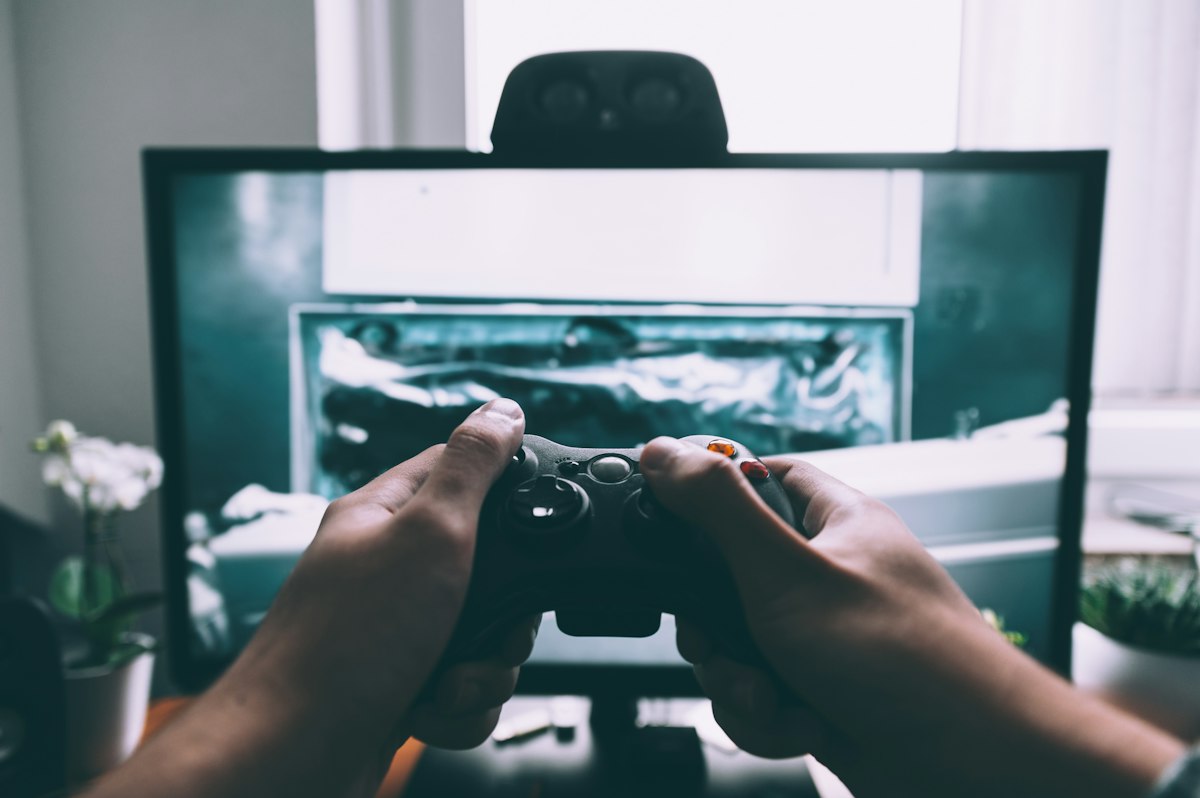
- Primary Signal: How to Stream Games on Twitch With a Low-End PC
- Overview: You do not need an expensive PC to start streaming. Use hardware encoding, sensible stream settings, and the right game choices to run a smooth Twitch stream on modest hardware....
- Verification: Analyzed and compiled by GameVault 668 editorial monitoring desk.
Streaming on Twitch sounds like it requires an expensive PC, but you can start with a modest machine if you make smart trade-offs. The key is understanding where streaming actually puts load on your system, and cutting the right things — not everything — so your game stays playable and your stream stays watchable. This guide covers a setup that works on a genuinely low-end PC.
Streaming loads your PC in two places: running the game, and encoding the video to send to Twitch. Encoding is usually the bottleneck on a weak machine, because it competes with the game for the same processor. The fix is to use your graphics card's hardware encoder instead of your CPU: in OBS Studio, choose NVENC for NVIDIA cards or AMF for AMD cards. Hardware encoding is dramatically cheaper than software encoding and is the single biggest improvement you can make on a low-end PC. If your graphics card is too old to support it, software encoding at a low preset is still possible, but expect to lower your game settings significantly.
Set your stream to 720p at 30 frames per second with a bitrate around 2500 to 3500 kbps. This looks perfectly fine to viewers, especially for slower-paced games, and it roughly halves the encoding load compared with 1080p at 60 frames. Turn off any OBS filters you do not need, close browser tabs, and disable animated overlays and alerts that eat CPU. A clean, simple stream that runs smoothly beats a flashy stream that stutters — viewers leave a laggy stream far faster than they leave a plain one.
Game choice matters more than any setting. Lightweight games — indie titles, older games, card games, and less demanding multiplayer titles — stream beautifully on weak hardware, while the latest blockbuster will choke the same machine. Build your early channel around games your PC handles comfortably, and be honest with yourself about which titles are off the table for now. Many successful streamers built their audiences on lighter games, because personality and consistency matter more to viewers than graphical spectacle.
Audio is where a budget stream can still sound professional. A basic USB microphone, or even a decent headset mic, is enough if you set it up properly: keep it close to your mouth, reduce background noise with a simple noise gate in OBS, and test recordings before going live. Good audio makes a small stream feel polished, while bad audio drives viewers away even when the gameplay is great. For video, a simple webcam or even no camera at all is fine at the start — plenty of streamers grow without ever showing their face.
Finally, upgrade in the right order when you can afford it. A second monitor — even a cheap used one — helps more than a new graphics card at first, because it lets you read chat without alt-tabbing out of your game. After that, more RAM and then a better graphics card give the biggest streaming improvements. Start simple, stream consistently, and let your audience grow alongside your setup. A low-end PC is not a barrier to streaming. It is just a constraint that forces you to make good choices — and good choices are what make a stream worth watching anyway.
Consistency matters more than production value when you are starting out. A regular schedule — even just two or three evenings a week — builds an audience far faster than occasional long streams, because viewers learn when to find you. Tell your viewers what to expect, stick to the schedule, and talk to the people who show up, even when there are only two of them. Small streams grow through genuine interaction, and the streamers who succeed on modest hardware are almost always the ones who showed up reliably, treated every viewer like they mattered, and improved one small thing each week.
📖 Continue Reading the Full Story
Continue reading this article on GameVault 668.
⚡ Access Full Content NowMore from GameVault 668
 🎰 WinBar VIP
Beginner to Advanced: GST Calculator — Add or Extract GST & VAT (Day 5 Guide)
How to maximize results using the GST Calculator — Add or Extract GST & VAT on WinBar VIP. Discover essential ...
🔥 ViralBuzz 168
Operational Standard: Playback Speed Calculator — Video Time at Any Speed (Day 21 Guide)
Establishing consistent quality with the Playback Speed Calculator — Video Time at Any Speed on ViralBuzz 168....
 ⚡ CyberTech 568
Step-by-Step Tutorial: Playback Speed Calculator — Video Time at Any Speed (Day 2 Guide)
How to accurately use the Playback Speed Calculator — Video Time at Any Speed on CyberTech 568. Discover essen...
 💎 LuxeLiving 768
Deep-Dive Audit: Playback Speed Calculator — Video Time at Any Speed (Day 4 Guide)
Mastering performance metrics with the Playback Speed Calculator — Video Time at Any Speed on LuxeLiving 768. ...