Why Does My Game Stutter Even With Good FPS?
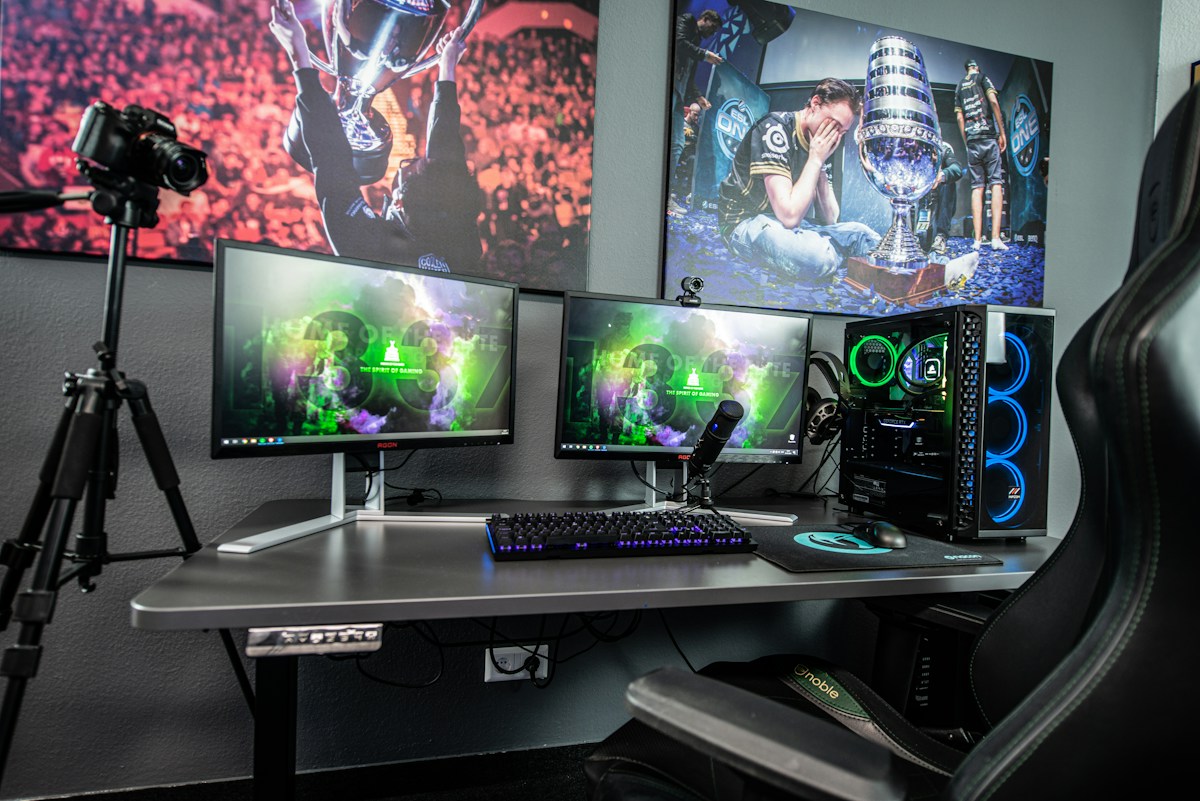
- Primary Signal: Why Does My Game Stutter Even With Good FPS?
- Overview: High FPS with constant stutter is one of the most annoying PC problems. Here is what causes frame-time spikes, how to diagnose them, and how to fix each cause....
- Verification: Analyzed and compiled by GameVault 668 editorial monitoring desk.
You check the counter and it says 120 FPS, but the game feels terrible. Movement hitches, the camera jumps, and every few seconds the world seems to skip. This is the classic stutter problem, and it is different from low frame rates. Your average FPS can look great while individual frames take far too long to render, and those slow frames are what your eyes actually notice.
FPS is an average, and averages hide problems. If 119 frames render in 8 milliseconds and one frame takes 100 milliseconds, your FPS counter still shows a healthy number, but you felt that one slow frame as a visible hitch. The metric that matters is frame time, the time each individual frame takes, and you can see it with free tools like MSI Afterburner or CapFrameX. A flat frame-time graph means smooth play. Spikes on the graph are your stutters, and finding what causes them is the whole job.
Enable a frame-time overlay and play for five minutes. If the spikes happen at regular intervals, the cause is usually something scheduled, like a background task or a shader loading. If they happen when you enter new areas, the cause is usually asset streaming. If they happen randomly, suspect drivers, thermals, or a background app. The pattern tells you where to look.
The most common cause is shader compilation, especially in newer games. The first time a game shows a new effect, it builds a shader, and that build freezes the game for a moment. The fix is to let the game finish its shader pre-compilation at startup, update your graphics driver, and avoid skipping that loading step. Many games now offer a shader pre-load option in the settings, and turning it on removes most of the stutter at the cost of a longer first load.
Background software is the second suspect. Game launchers, browser tabs, RGB control apps, and antivirus scans all compete for your CPU and your storage. Close your browser, pause any downloads, and check Task Manager for anything using the disk while you play. A game installed on a hard drive will also stutter when it streams new textures, so moving it to an SSD is the single most effective upgrade for this problem.
Cap your frame rate slightly below your monitor's refresh rate, for example 138 FPS on a 144Hz screen. This gives the system a small buffer, keeps frame times consistent, and often removes the micro-stutter that comes from the GPU running at its absolute limit. Turn off any setting labelled ultra for shadows or volumetric effects first, because those are the most expensive effects for the least visible benefit.
If the stutter only happens online, it is probably not your graphics at all. Packet loss and unstable ping feel exactly like frame stutter, because the game freezes while it waits for data. Test with a wired connection and check for packet loss before you change any graphics settings. Fixing the wrong problem wastes hours, and the frame-time graph will tell you which problem you actually have.
If none of the usual fixes work, the culprit may be your storage or your thermals. A nearly full SSD slows down noticeably, so keep at least 15 percent of your drive free, and check your drive health if stutter appeared suddenly on a game that used to run smoothly. Overheating is the other hidden cause: when a CPU or GPU gets too hot, it slows itself down in bursts, and those bursts look exactly like stutter. Check your temperatures while playing, clean dust from your fans, and make sure your case has room to breathe before you assume the game itself is broken.
Good FPS with stutter is a frame-time problem, not a performance problem. Measure the frame times, find the pattern, and fix the cause behind it. Most stutter is shader compilation, background software, or storage, and all three are fixable without buying new hardware.
📖 Continue Reading the Full Story
Continue reading this article on GameVault 668.
⚡ Access Full Content NowMore from GameVault 668

 🚀 RocketCoin Casino
How Do Instant-Play Crypto Casino Games Work Without Downloads?
Instant-play crypto casino games run entirely in your browser with no downloads needed. Learn how HTML5 techno...
 ⚡ CyberTech 568
Internet Latency Test: How Fast Is Your Connection?
Test your internet latency free. Get accurate ping measurements and learn what your numbers mean for gaming an...
💎 LuxeLiving 768
Crypto APY Calculator UK: Staking Rewards Guide for 2026
UK crypto investors: calculate staking rewards with APY vs APR explained, tax notes for HMRC, and the best sta...
 🤖 WinBar AI
Instagram Photo Downloader: Save Posts in Full Resolution
Download Instagram photos in original quality. Save posts, carousel images, and profile pictures free....