Best Settings for Warzone on Console in 2026
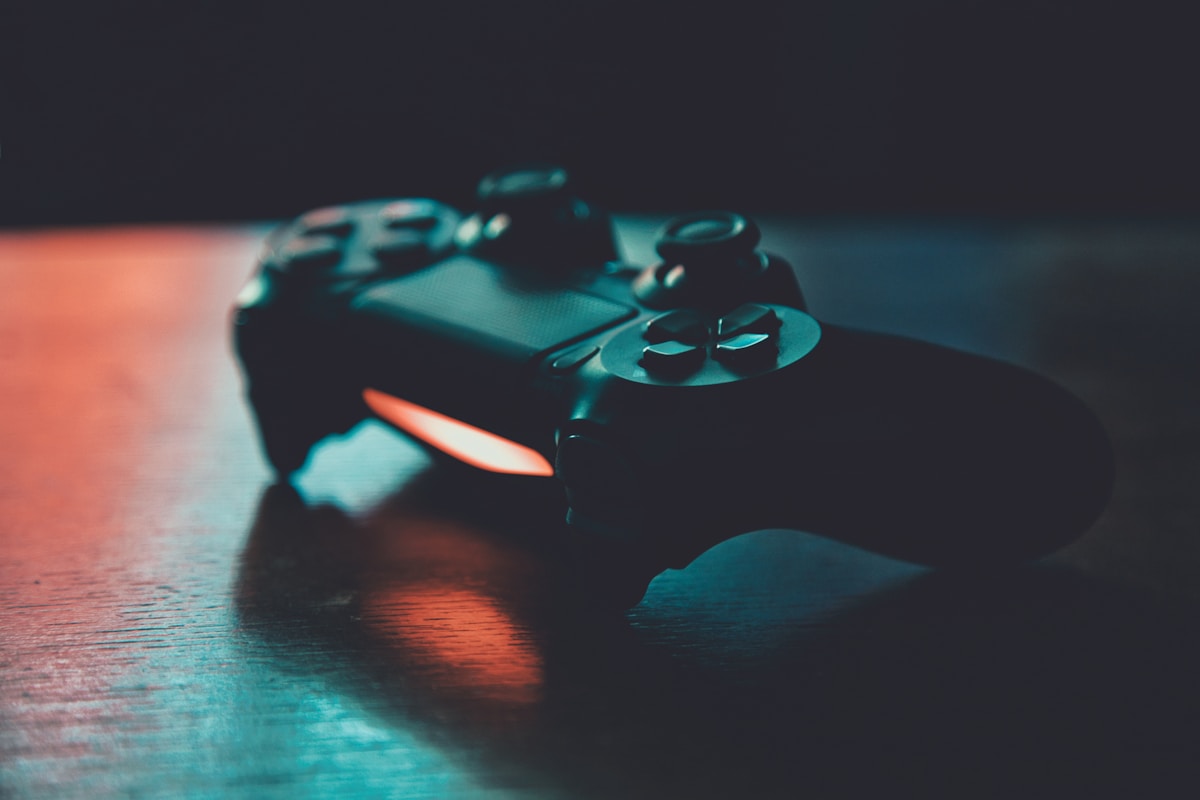
- Primary Signal: Best Settings for Warzone on Console in 2026
- Overview: Warzone on console rewards the right settings more than the right gun. Use these field of view, sensitivity, audio and controller settings to play sharper immediately....
- Verification: Analyzed and compiled by GameVault 668 editorial monitoring desk.
Console Warzone players face a specific challenge: they compete against PC players with faster aiming hardware, so settings matter more, not less. The right field of view, sensitivity curve, audio mix and controller configuration can close much of that gap. These are the settings experienced console players actually use, and why each one helps.
Set your field of view to 100 to 110, which is high enough to see more of your surroundings without making distant enemies too small to spot. Turn off motion blur and film grain, which only obscure targets, and use a brightness setting that keeps dark interiors readable without washing out the map. On newer consoles, enable 120Hz output if your display supports it for smoother tracking.
Start with a horizontal and vertical sensitivity around 6, which balances speed and control for most players, then adjust by one step at a time over several sessions rather than changing everything at once. Use the Dynamic aim response curve, which most console professionals prefer because it feels natural at both slow and fast stick movements. Turn on aim assist, obviously, and set the ADS sensitivity multiplier slightly below your hipfire sensitivity for steadier long-range aiming.
Enable the button layout that puts jump and slide on buttons you can reach without lifting your thumb from the aim stick, whether that is a paddle controller or a tactical layout. Set trigger dead zones low so shots register faster, and set stick dead zones just high enough to eliminate drift without creating a dead feeling in the centre. Small dead zone changes have an outsized effect on how responsive your aim feels.
Switch the audio mix to Headphones or Boost High, which emphasises footsteps and reload sounds over explosions. Use a headset rather than TV speakers, since directional audio is how you locate enemies before you see them. Keep voice chat volume balanced so callouts stay audible without drowning out the game, and consider turning off music entirely during matches.
Gunfights are won by movement as much as by aim, so tune the settings that control how your character moves. Enable automatic tactical sprint if you prefer to keep moving without holding a stick constantly, and test the slide behaviour setting so a slide does not accidentally cancel your sprint at the wrong moment. Parachute auto-deploy and mantle settings also matter: a mistimed mantle can leave you exposed on a rooftop, so practise the timing in a private match before changing these in ranked play. Small movement tweaks feel strange for a session or two, then become muscle memory, and they free up attention for positioning and callouts.
Information wins gunfights, so make sure your screen shows it clearly. Set the minimap shape to square if you prefer seeing more of the surroundings, and adjust its rotation so it matches how you read the map under pressure. Reduce HUD clutter by hiding elements you never use, but keep damage direction, kill feed and compass visible, since these are your early warning system. Brightness and colour filters can help on dark maps, but avoid extreme settings that wash out enemy outlines. The goal is a screen where enemies, teammates and objectives stand out instantly, without extra text fighting for your attention.
New settings only help once they are automatic, so build a short warm-up before your first real match. Spend ten minutes in a practice mode working on tracking moving targets, snapping between targets, and practising your slide and jump combinations with the new layout. Then play two casual matches before ranked, and resist the urge to change settings mid-session after one bad game. If a setting still feels wrong after a week of regular play, change it once and repeat the routine. Players who constantly tweak never build muscle memory, while players who commit to a setup improve steadily.
The fastest console improvements are free: wider field of view, Dynamic aim curve, a sensitivity around 6, and an audio mix that favours footsteps. Change one setting at a time, give it a few matches, and keep what helps.
📖 Continue Reading the Full Story
Continue reading this article on GameVault 668.
⚡ Access Full Content NowMore from GameVault 668


 ☁️ FreeSky Cloud
Best Windows 11 Settings for Gaming PC in 2026 (Reddit-Approved Tweaks)
Game Mode, GPU scheduling, power plans, and clean driver installs — the Windows 11 settings experienced PC gam...
 ⚡ CyberTech 568
Best Free AI Voice Changer for Gaming in 2026
A good voice changer adds fun to game night without lag or robotic audio. Compare the best free options for Di...
 🎰 WinBar VIP
Os melhores códigos sem depósito: outubro de 2026
Confira os melhores bônus de cassino online sem depósito para outubro de 2026....
 ₿ Lucky Satoshi
Why Is My Bitcoin Casino Deposit Pending or Unconfirmed?
A pending bitcoin casino deposit is usually waiting on blockchain confirmations or the casino's payment proces...