Is a 240Hz Gaming Monitor Worth It? The Honest Answer

- Primary Signal: Is a 240Hz Gaming Monitor Worth It? The Honest Answer
- Overview: Monitor marketing pushes ever-higher refresh rates, but the jump from 144Hz to 240Hz is not for everyone. Here is who actually benefits and who should save the money....
- Verification: Analyzed and compiled by GameVault 668 editorial monitoring desk.
Walk into any monitor listing and you will see refresh rates marketed like horsepower, with 240Hz and beyond presented as the obvious upgrade from 144Hz. The truth is more nuanced: the jump from 60Hz to 144Hz transforms how games feel, while the jump from 144Hz to 240Hz is subtler, more expensive, and only valuable for certain players and certain games. Understanding why helps you spend wisely instead of chasing a specification.
Refresh rate measures how many times per second the screen updates its image, and higher rates make motion smoother and reduce the delay between your input and what you see. At 60Hz, fast camera movement smears and feels sluggish; at 144Hz, motion becomes fluid and aiming feels connected. At 240Hz, the improvement continues, but the gains shrink, because human perception of smoothness follows diminishing returns, and each additional frame delivers less visible benefit than the last.
Competitive players in fast shooters are the group that genuinely benefits. When you play titles where targets move quickly and reactions decide rounds, the extra smoothness and lower input latency of 240Hz can sharpen tracking and flick shots. Professional and high-ranked players, whose hardware can actually push 240 frames per second, will notice the difference, and for them the upgrade is a legitimate competitive tool rather than a luxury.
Most other players will not. If your graphics card cannot consistently produce 240 frames per second in your favourite games, a 240Hz monitor delivers no benefit at all, because the panel can only display what the GPU renders. Single-player adventures, strategy games, and story-driven titles also gain little, since their pacing does not depend on split-second reactions. For these players, the same money buys a larger panel, better colours, or higher resolution, all of which improve everyday experience far more.
Panel type matters as much as refresh rate. A fast IPS panel offers good colours and viewing angles, while cheaper high-refresh panels may sacrifice colour accuracy or contrast to hit their speed claims. Response time, the speed at which pixels change colour, is equally important: a 240Hz monitor with slow pixel response will still show ghosting, which defeats the purpose of the upgrade. Read independent reviews that measure real response times rather than trusting the box.
Budget guidance is straightforward. If you play competitive shooters at a high level and own a GPU that reaches 240 frames per second, buy 240Hz. If you play a mix of games, a quality 144Hz or 165Hz monitor with good colours is the sweet spot and leaves money for a better GPU. If you are still on 60Hz, almost any modern gaming monitor will feel revolutionary, so prioritise panel quality and size over chasing the highest number.
The honest answer, then, is that 240Hz is worth it for a specific minority and a waste for everyone else. Match the monitor to your games, your graphics card, and your actual skill level, and you will end up with a setup that feels better every day, rather than a specification that only impresses on paper.
Connection type is a detail that quietly decides whether your high-refresh monitor actually delivers its advertised speed, because not every cable supports every refresh rate at every resolution. DisplayPort is generally the safest choice for high-refresh gaming on PC, while older HDMI versions may cap your refresh rate or force lower resolutions to reach it. Adaptive sync technology, sold as G-Sync or FreeSync, matters too, because it matches the monitor's refresh rate to your graphics card's output and eliminates the tearing and stuttering that ruin smooth gameplay. Before buying, check your graphics card's outputs, confirm the included cable's specification, and read reviews that measure real-world performance rather than trusting the headline numbers. A monitor is a system, not a specification, and the cable in the box is part of that system.
📖 Continue Reading the Full Story
Continue reading this article on GameVault 668.
⚡ Access Full Content NowMore from GameVault 668



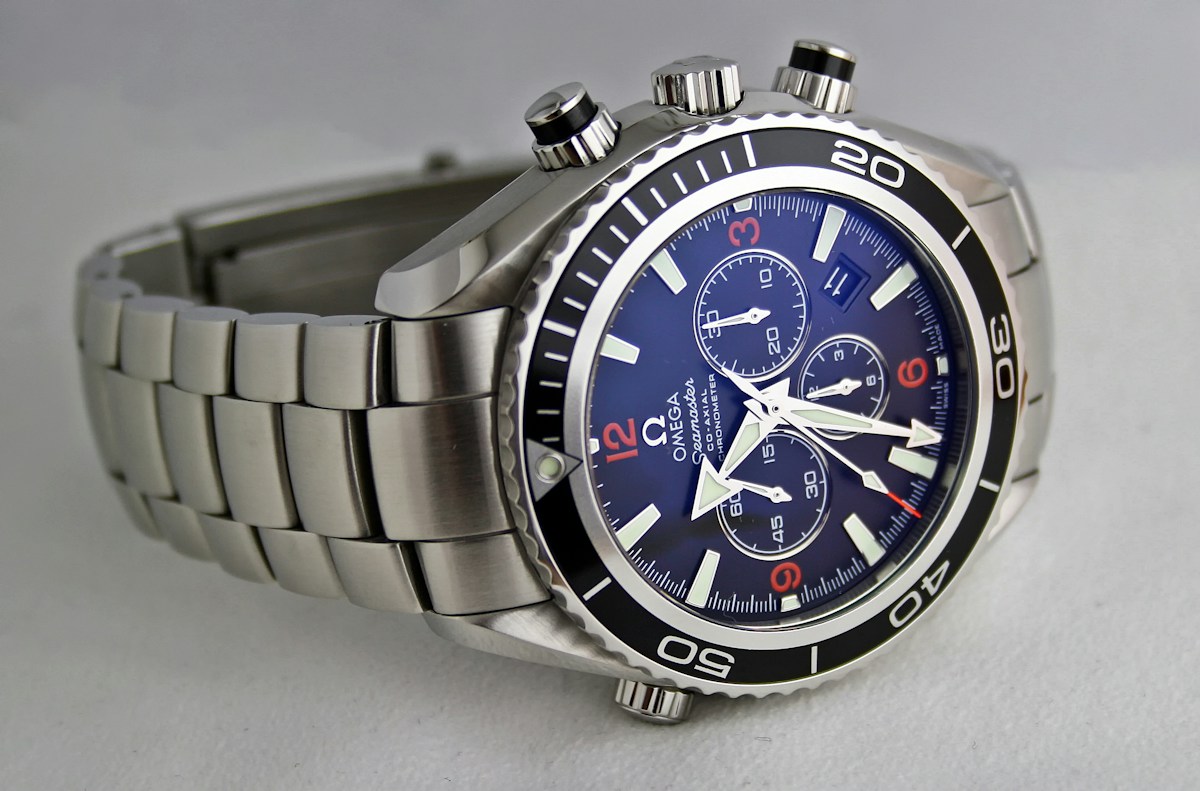 💎 LuxeLiving 768
Are Luxury Watches a Good Investment in 2026? The Honest Answer
Some watches beat the stock market; most do not. Here is what actually holds value in 2026, what to avoid, and...
 🎰 WinBar VIP
Future Outlook & 2026 Forecast: How To Capitalize on The Shift in Crypto Casino Alpha
Comprehensive 2026 research dossier and telemetry report on Future Outlook & 2026 Forecast: How To Capitalize ...
 📈 FootballBet Center
After-Hours Answering for Sportsbooks: What's the Honest Comparison?
Your busiest phone hours are the ones you staff least. An honest comparison of weekend staffing, answering ser...
 🛍️ Caylin Shop
Is the TikTok-Viral Posture Corrector Worth Buying in 2026? An Honest Verdict
Posture correctors are all over TikTok Shop — strap braces and smart buzz devices promising a straighter back....